
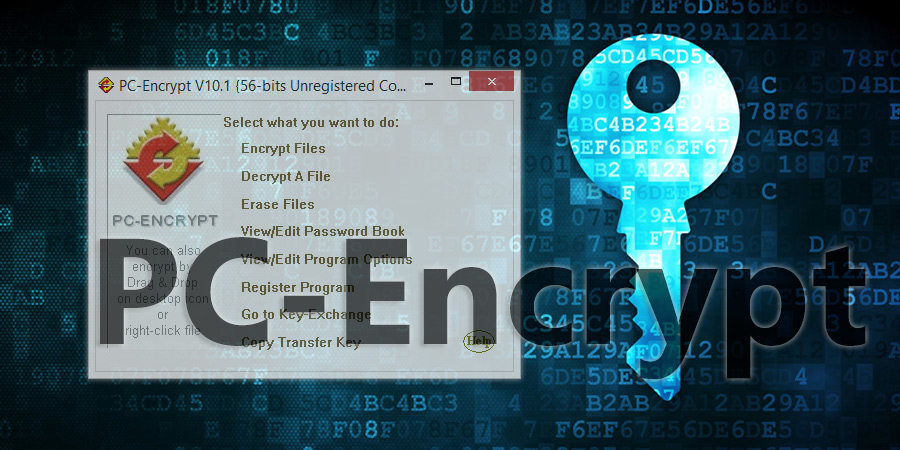
PC-ENCRYPT encrypts, compresses, erases files and folders. ALL Windows. SIMPLE! STRONG! FAST!
Note:Just start PC-Encrypt and follow the wizards. If you are wanting to encrypt the text that you type in the email click HERE
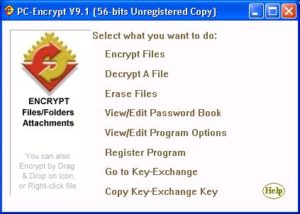
PC-Encrypt provides simple, strong, file and folder security for Windows 95/98/ME/XP/NT/2000, without the need for any adapters, plug-ins, or accessory software. The free version of PC-Encrypt never expires, and will decrypt all strengths, but restricts the encrypt strength to passwords of 7 characters (56 bits). Purchase in North America enables exceptionally strong passwords up to 56 characters (448 bits), and 16 characters (128 bits) Internationally.
Installation of PC-Encrypt results in the desktop icon appearing, plus an entry in the “Start” menu as well as the “Start/Programs” menu. You and the intended recipient(s) must share a secret password, which can be exchanged via telephone etc, or can be generated and securely exchanged via our free Key-Exchange service.
To secure files or folders, start the PC-Encrypt application or employ other methods described below. Select the password either from the associated Password Book by clicking “Password Book”, or manually type in your chosen password.
The recipient does not require PC-Encrypt if you employ the “Create one-way file” option in step 2. Alternatively, it is usually more convenient for the recipient to download the PC-Encrypt software
PC-Encrypt Features
- SIMPLE TO USE. FAST. RELIABLE. ALL WINDOWS.
- SECURE ENCRYPTION using the widely recognized BLOWFISH algorithm. Never been cracked.
- ENCRYPT FILES, FOLDERS, and SUB-FOLDERS, and decryption restores to original configuration. Works with ALL EMAIL PROGRAMS – AOL, cc:Mail, Eudora, Google Gmail, Hotmail, Lotus Notes, Netscape, Microsoft Outlook, Microsoft Outlook Express, Mozilla Thunderbird, MSN, Novell GroupWise, Opera, Pegasus, PocoMail, Walla Mail, Yahoo Mail, etc.
- SECURE FILE ERASE – this option ensures that all traces of the original file are erased. Optionally, can erase one file or all files in a Folder.
- ONE-WAY FEATURE (“Self-Extracting”) – recipients do not require PC-Encrypt – only the correct password. See Note below for more details.
- AUTO-ENCRYPT/DECRYPT – no need to remember passwords. Encrypt files with a default password or select a name from the Password Book. For added security, and portability, carry the Password Book with you on a diskette.
- Free KEY-EXCHANGE – simplest method to create secure passwords and deliver them securely by email to any other PC-Encrypt user in the world. Or you decide on a password and share using phone, fax, etc., or via Key-Exchange.
- MULTIPLE PASSWORD BOOKS – any number of Password Books can be created and accessed. Several people can share the same computer and each person can have their own Password Book (each with a unique access password). Keep one password book for your many other confidential passwords – no need to remember – just access the locked, private, Password Book.
- PASSWORD BOOK BACKUP – simple backup and restoration of Password Book(s).
- COMPRESS files by up to 80%. Deliver large files securely and quickly.
- “PC-SEND” – a built-in email program that will deliver encrypted file(s) directly from PC-Encrypt – or use your separate email program to attach encrypted file.
- USER GUIDE is included.
- ENCRYPTION SIZE: The unregistered version of PC-Encrypt is limited to 56 bit encryption, but will decrypt any strength. The USA and Canada registered version allows password up to 448 bits (56 characters). This is the equivalent of a public/private key of well over 7,500 bits.